I have just had to restore my laptop to factory settings with all the attendant hassle that entails because of something nasty that arrived on my computer which Mc Afee failed to pick up. So here is advanced warning for you:
There is a legitimate programme called Microsoft Securities which is an anti virus check. However, there is also a fake version of this circulating which looks very convincing unless you know the real programme.
Yesterday I do remember getting one of those annoying pop up adverts telling me I had won a Mini Cooper, which I closed without actually clicking on any of their buy now buttons, assuming it was fake. But I think that is where the infection came from.
When I logged on to the laptop today I got a warning screen from 'Microsoft Securities' saying that a Trojian horse had been downloaded and I needed to scan to clear it off. Now, I was surprised at this becuase I had not been aware that I had Microsoft Securities. But this was before I researched and found it to be a programme you buy and, it being supposedly Microsoft, and my laptop having come with all kinds of stuff I didn't always take much note of, I can see how it would be plausible. In any event suspicious or not I could not get further into my computer without clicking on scan now.
When you do that it gives a list of about 30 antivirus programmes which are purportedly checking for a solution. On the results page many come up as having nothing. Five do and you are invited to free install them. Alarm bells rang everywhere at this point becuase (a) Mc Afee, which I do have, was said not to have a solution. (b) it is unilkely that all the ones who do are free and (c) one of the the free ones is called Red Cross and there is no way the humanitarian organaistion would allow a software company to be using their name. So I went no further.
My research showed that the offered programmes are of course fakes themselves and are damaging. I did manage to get Mc Afee to scan my whole computer but it did not show up the fake Mc Afree Securities even though by then I had researched it on Den's laptop and had found out what was going on.
But even though I didn't download anything it killed my computer and I had to recover it back to factory settings.
So learn a lesson or two from me:
1. Don't fall for this scam.
2. Then, before you get attacked, go and back up your computer to an external drive now. I have done that but not since we moved so some photos have gone but nothing major thank goodness..... and some photos are on the blog anyway, but not all my Festival of Quilts ones! (And there was an hour or two of desperately trying to remember where we had unpacked the hard drive to!)
3. Then back up frequently.
4. Ensure your McAfee or Norton or similar is up to date.
5. Buy a storage box and dedicate it to your recovery discs and discs of bought computer programmes so you can put them all back on again speedily.
6. Go on line now and search the website of your computer's manufacturer for instructions on how to recover your computer to factory settings and print it out - unless you are sure you will have access to an unaffected laptop to look it up when you come to need it.
7. And, if you ever think there is a chance you have been compromised, go and change all your online banking passwords at once as an added security.
Then reflect that, actually, its quite nice to have a computer free of all the junk that ends up on them after a while!
 When the kitchen came out three pieces of exposed plaster were revealed.
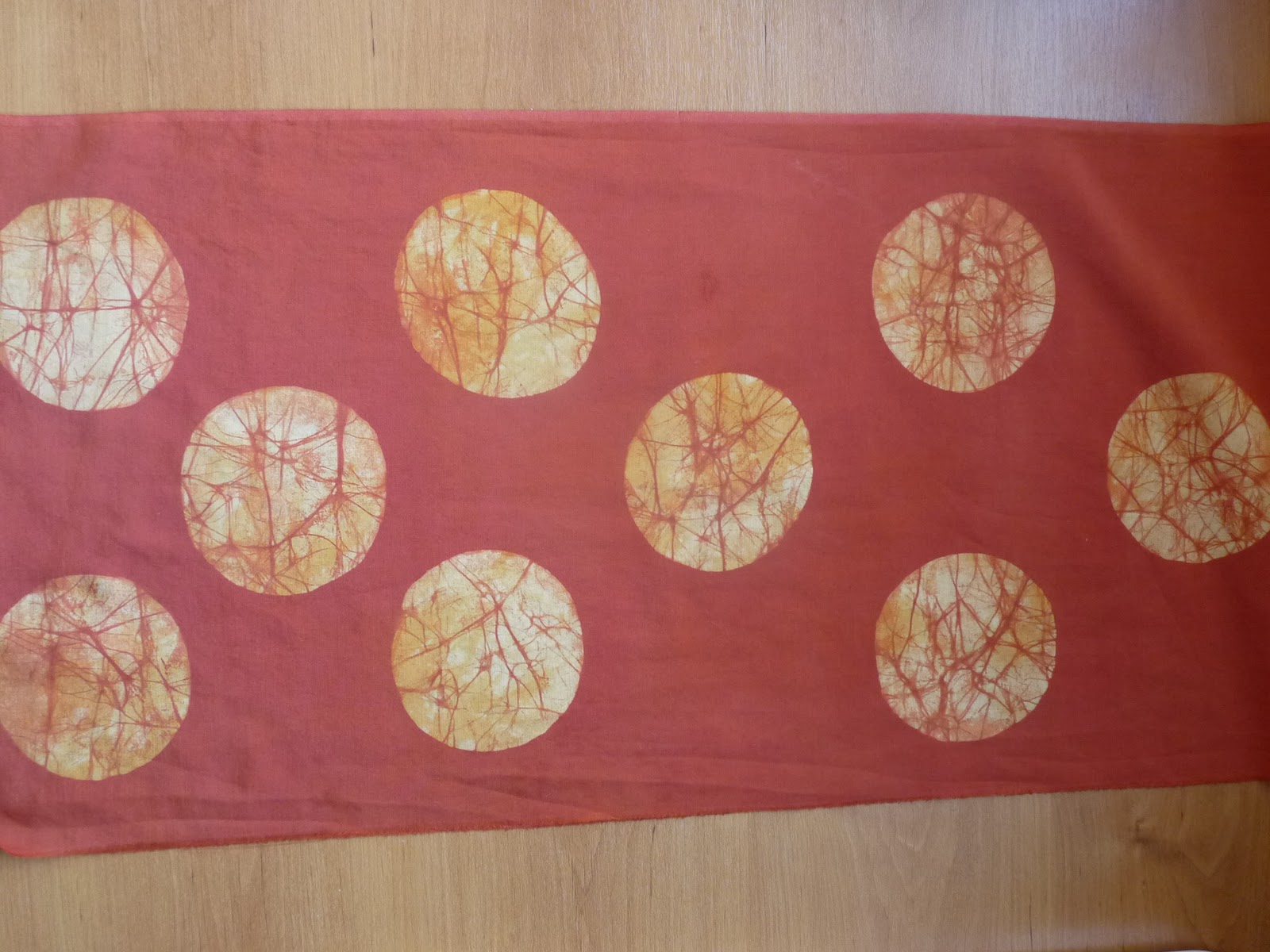
  Too tempting. So I set to with Markal Paintstiks and some of my own handdye that had come out at acceptable but uninteresting levels of colour. I only have a few Paintstiks which have hardly been used but now - metalic Paintstiks rock!